 Lodge
Lodge
Custom folder schemes
Date and project, then a folder for each file type.
2026-10-25/Coastline/MP4/
2026-10-25_Coastline_0001.mp4
Lodge gets your footage off camera cards safely, checked and neatly named.



Lodge checks each copy, brings over only what is new, and puts each file type in its own folder.
Date and project, then a folder for each file type.
2026-10-25/Coastline/MP4/
2026-10-25_Coastline_0001.mp4
Every copied file is checked against the card, so you know it arrived intact.
Lodge remembers what it already copied and brings over only new files.
Skip short clips. Switch presets from the menu at the top right.
Drag a folder onto Lodge to choose where your footage goes.
Proxy files and sidecar files travel with their clip automatically.
A mounted card shows up in Lodge.
Preview the names before you copy.
Copy and check every file.
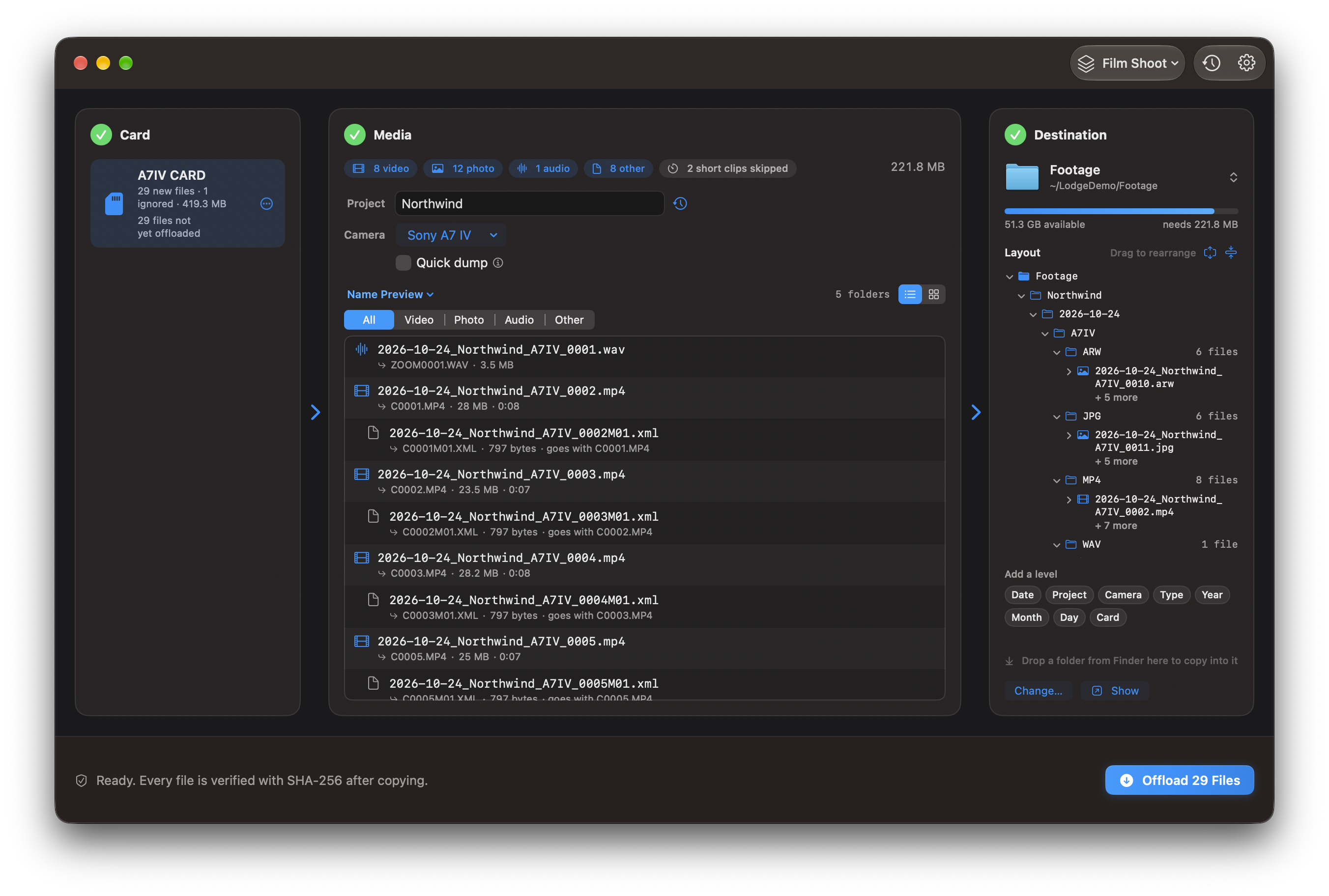
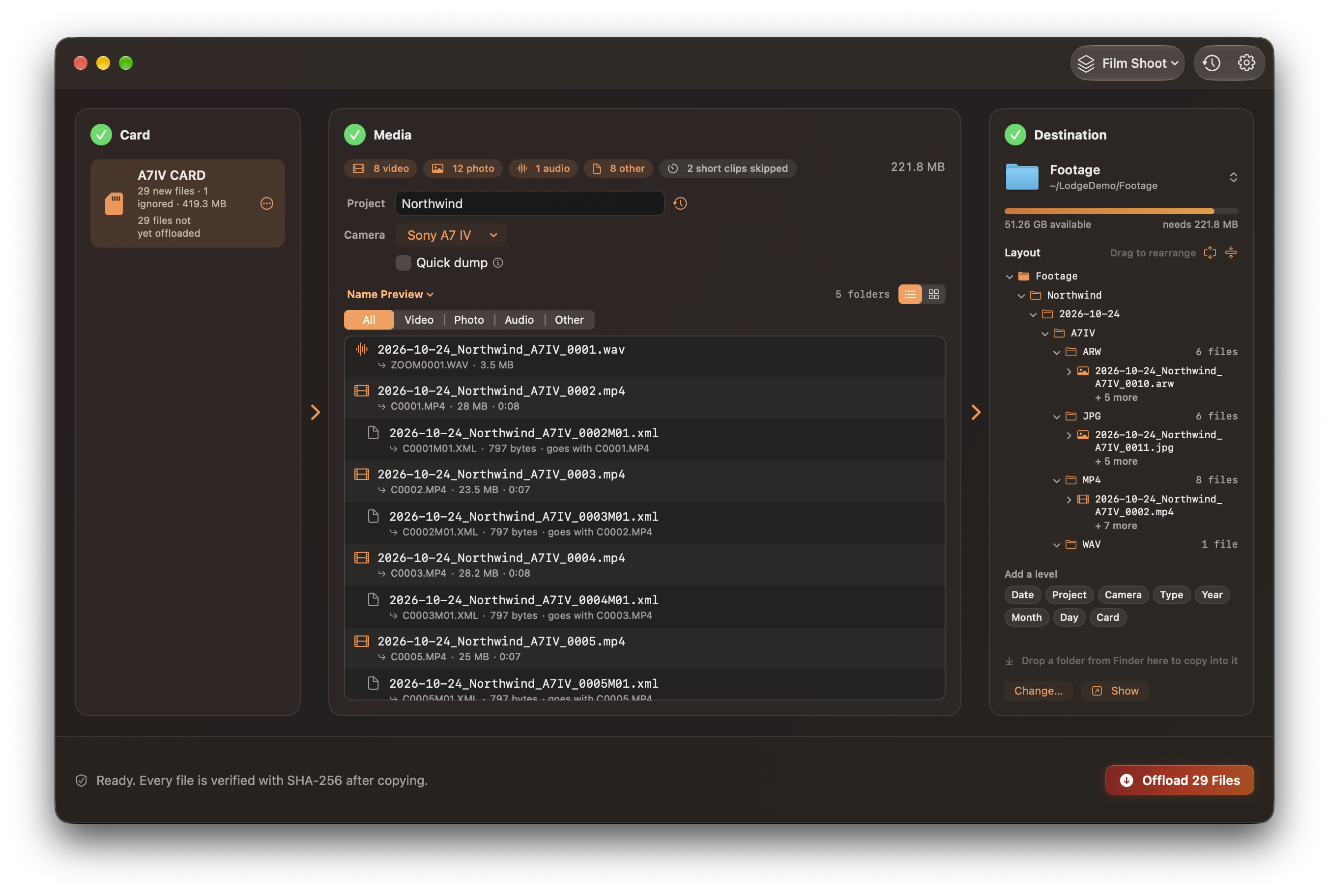
Lodge opens in Dark mode, with no colour wash.
Lodge is a universal app for Apple silicon and Intel Macs. It requires macOS 14 or later. Download Lodge from Ko-fi, unzip it, then open the DMG, and drag Lodge to Applications.

Pay what you want.
No account, no analytics, and copying never uploads anything. The only time Lodge goes online is a daily check for updates, which you can turn off in Settings > General.
Lodge is not notarized, which is why macOS asks.
The first time Lodge reads a card, allow access to files on a removable volume. Building from source is in the contribution guide. The user guide, FAQ, and changelog live in the repository.